Account Intelligence
Add a company you care about, find its relevant people, and review a dated company report.
Reviewed 2026-08-25
People Search starts with a description of a target person. Account Intelligence starts with a company you already care about.
Lumnis saves the result as an Account. It includes company research and the people who may be involved in a purchase.
Add an account
From Home, choose Add an account under Account Intelligence.
- Enter the company's website and describe why the account matters.
- Choose an existing persona or describe the people you want inside the company.
- Review the suggested search requirements before spending credits.
- Launch the run.
- Open the resulting Account to review company research and mapped people.
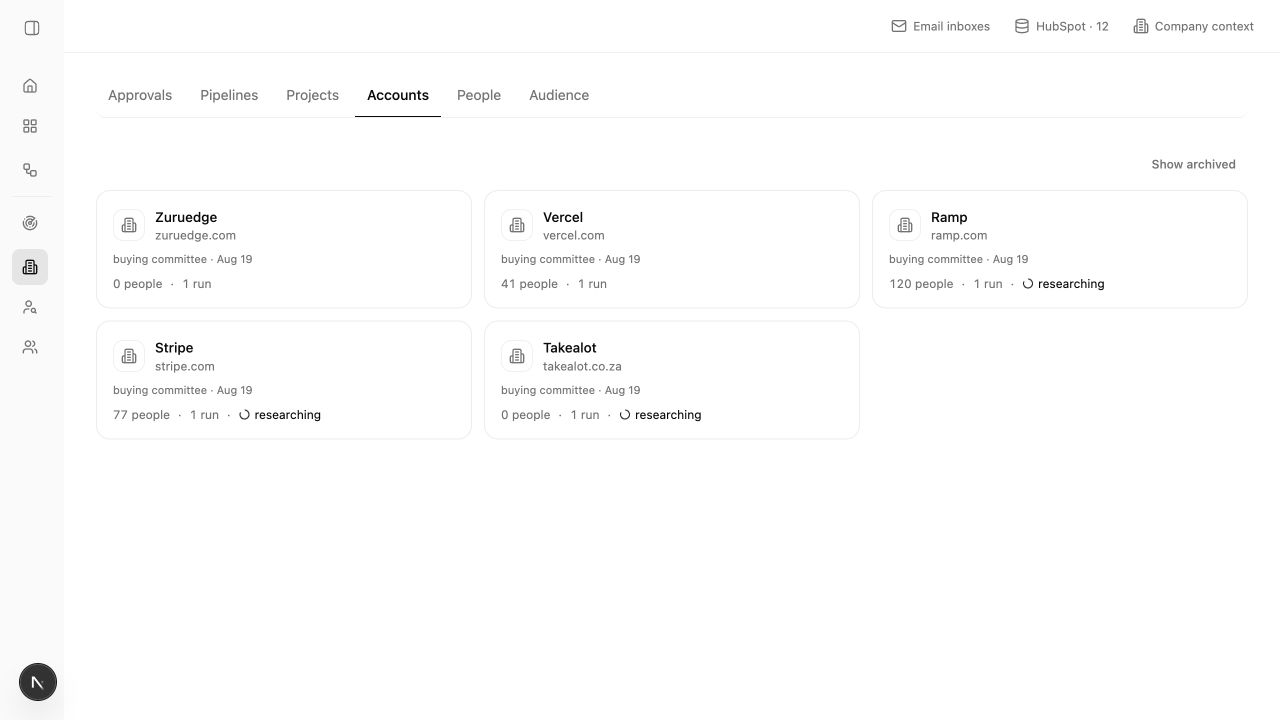
What the Account page contains
The page is organized around the company. The research focus and date appear below its name, so you can tell one research run from another.
The page brings together:
- A company report with linked sources
- A summary of the people who may be involved in a purchase
- The people found for the selected research focus
- Fit and requirement judgments for each person
- Ways to continue the work in Projects and campaigns
How account ranking differs
A people search finds matches across many companies. Account Intelligence looks at one company and ranks the relevant people inside it.
The Account page focuses on the people involved in a possible purchase. Each person still has their own fit label and evidence. Open the person when a requirement or fact affects your outreach.
A linked claim is not enough if the underlying role, company, or event has changed. Check the as-of date before using account research in a current decision.