Audience research
Learn what an audience responds to, how its interests are changing, and which content ideas are supported by real activity.
Reviewed 2026-08-31
Audience research looks across a group instead of returning another prospect list. It reads what the audience engages with on LinkedIn and turns that activity into a research brief.
Start a brief
Open Audience research from Home or the sidebar.
- Choose an existing persona or create a new one.
- Optionally add company details and a content direction.
- Review the audience description and Persona requirements.
- Choose the research depth, called compute level in the wizard.
- Review the credit cost, then choose Research this audience.
Your company details and content direction guide the post ideas. They do not change the underlying audience analysis.
What the brief includes
The completed research experience separates different questions into focused views:
- Feed — the posts and activity the audience responded to.
- Analysis — themes, attention shifts, and voices appearing across the research time period.
- Ideas — content themes ranked for the audience.
- Drafts — draft posts based on the source activity.
Open the underlying evidence when a theme or draft will influence a public claim. You can trace each useful pattern back to real audience activity.
Guide content ideas without changing the research
Use company details to explain what you do and who you serve. Use content direction for rules such as who should speak, topics to avoid, or the tone you want.
The audience activity stays unchanged. Your company details and content choices affect only the ideas and drafts built from that research.
Use separate briefs for different listening decisions
Create separate Audience research briefs when the people and decisions differ. For example:
- An analyst brief can focus on named analysts or a tightly defined analyst audience whose activity matters to analyst relations.
- A priority-voices brief can focus on selected practitioners, founders, or researchers relevant to founder participation and editorial work.
- A competitor or category brief can study the language and public activity around a defined market question.
Keeping these briefs separate prevents a high-volume category discussion from overwhelming a smaller set of voices that your team considers more important. Use a clear name for each brief and keep its Persona and research question specific enough to review later.
Run time
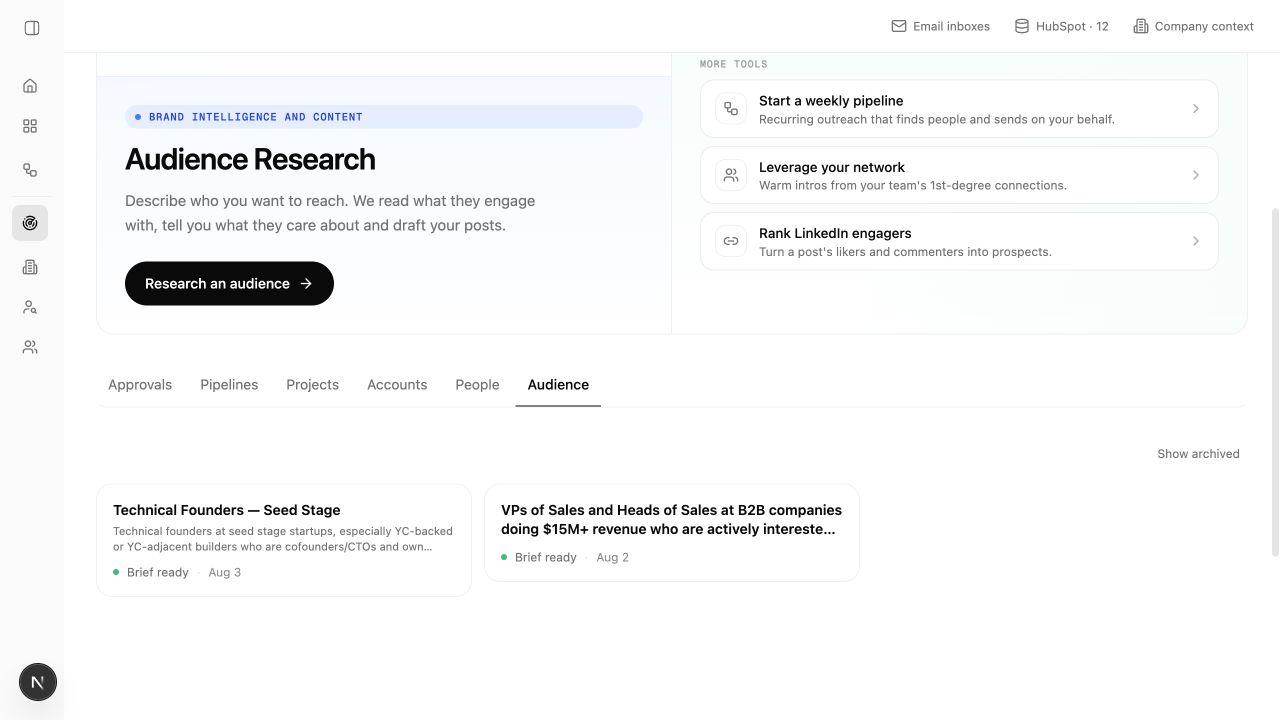
The current wizard says research takes about 20–40 minutes. You can leave the page and return through Audience when the brief is ready.
A name such as “US security executives” is easier to recognize than a date or test label. Lumnis already saves the timing and status.