Pipelines and Approvals
Repeat a proven search each week and review prepared actions before they continue.
Reviewed 2026-08-25
Projects run once. Pipelines repeat a search each week, find new people, and prepare actions for your team to review.
Use Campaigns when you want to launch outreach from one completed Project without creating a weekly Pipeline.
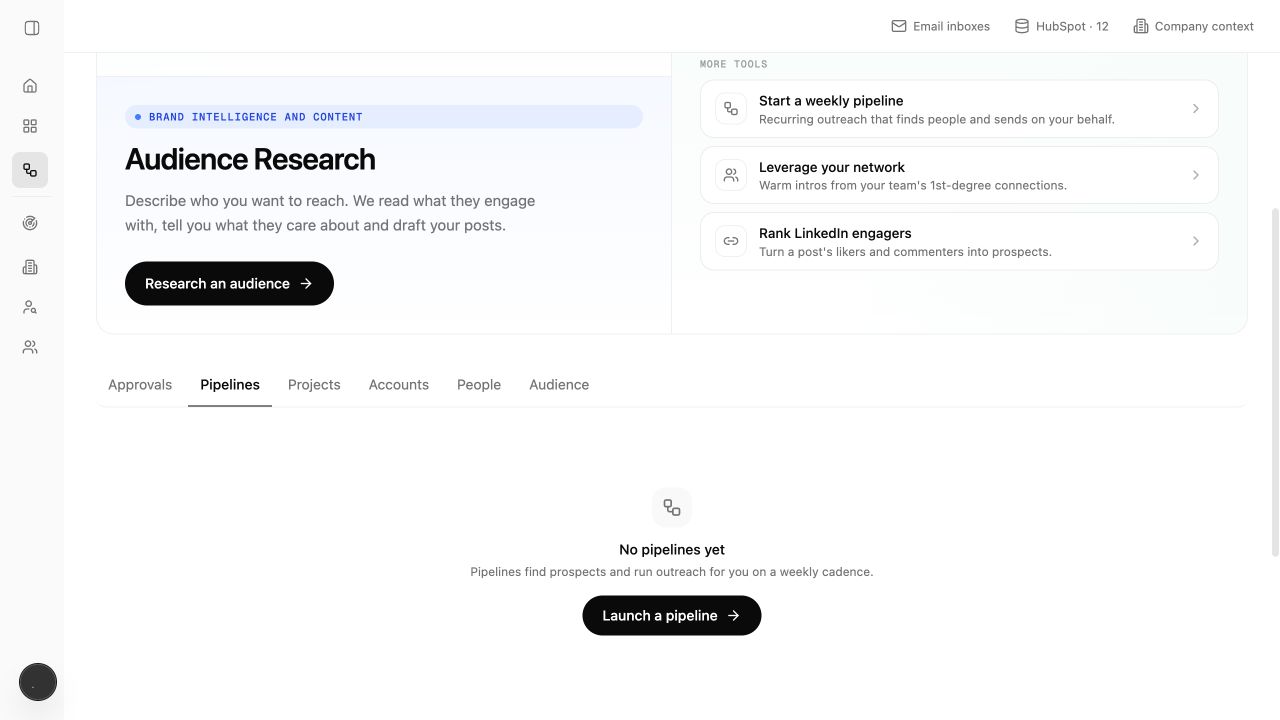
Start a weekly pipeline
Choose Start a weekly pipeline from Home or open the Pipelines area.
The wizard brings together:
- The Persona and audience you want to monitor.
- One or more search types and how many results to find from each.
- The number of people your plan allows each week.
- The playbook, or outreach instructions, and the sending account.
- The final settings to check before launch.
Pipelines require a paid plan. The wizard shows plan and credit constraints before launch.
Weekly cadence
New Pipelines run weekly by default. The Pipelines page shows the status, next run, people found, and outreach progress.
Pause a Pipeline when the audience, sender, or playbook needs attention. Resume only after the reason for pausing has been addressed.
Review prepared actions in Approvals
The Approvals page gathers prepared messages and actions that need a decision. Review the person, evidence, and draft together.
Available decisions include:
- Approve — let the prepared action continue.
- Edit — change the queued message before it continues.
- Reject — stop that action without requiring a connected LinkedIn account.
- Bulk approve — process a selected group when the same review standard applies.
Approval may send a message or perform another action outside Lumnis. Check the sending account and the message before approving a group.
A practical review rhythm
- Open Approvals and handle anything waiting for a decision.
- Open Pipelines and scan paused, failed, or action-needed rows.
- Check whether the target audience and weekly number are still right.
- Update the Persona or playbook when many results are wrong, instead of editing one message at a time.
The Pipeline repeats the search. Approvals let someone check messages and other actions before they continue.